In development — launch sign-ups open
Glance once, and know if rain is coming.
RainScreen is a desktop display that shows a rain map, forecast and weather for your area — always on, no phone required.
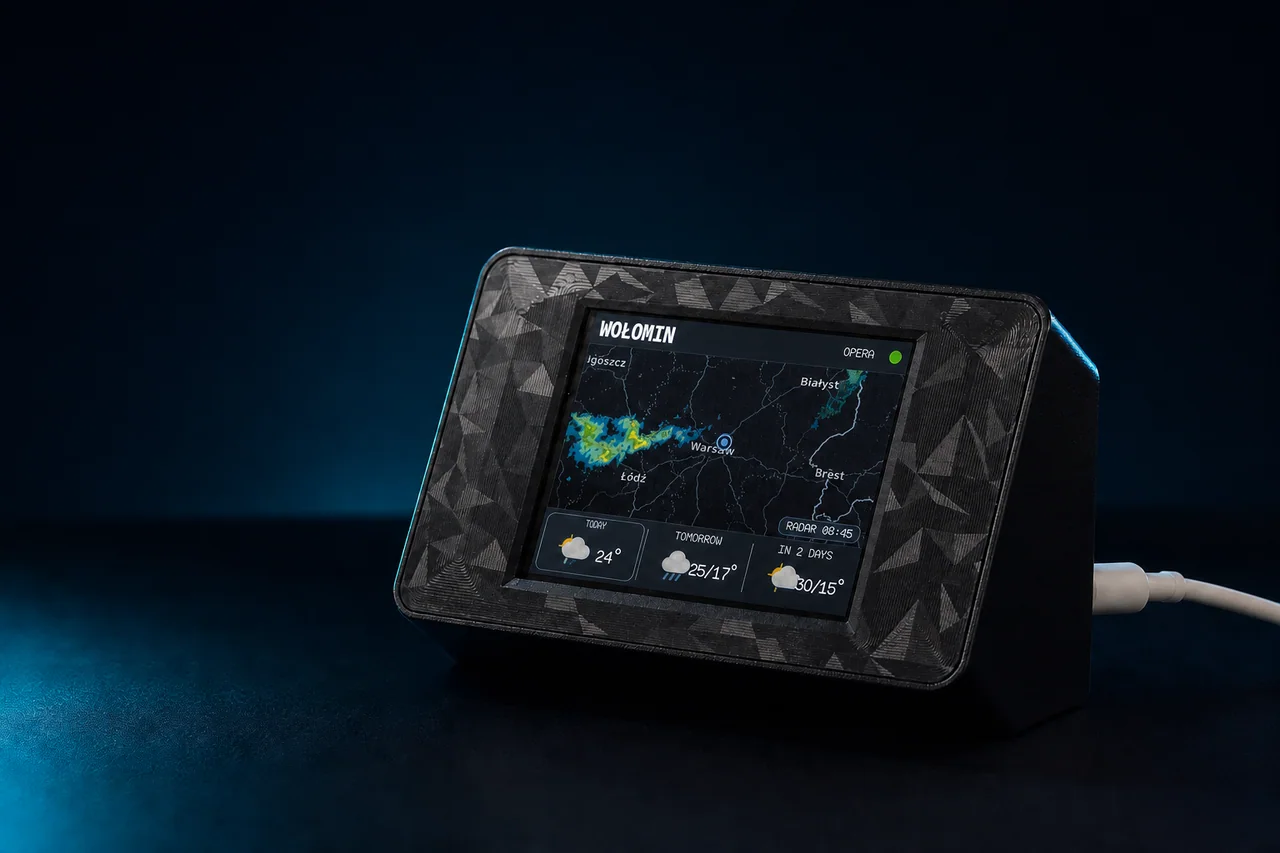
See it live
Try the device interface
Explore the real RainScreen interface at five map ranges. Every view was captured from a working device.
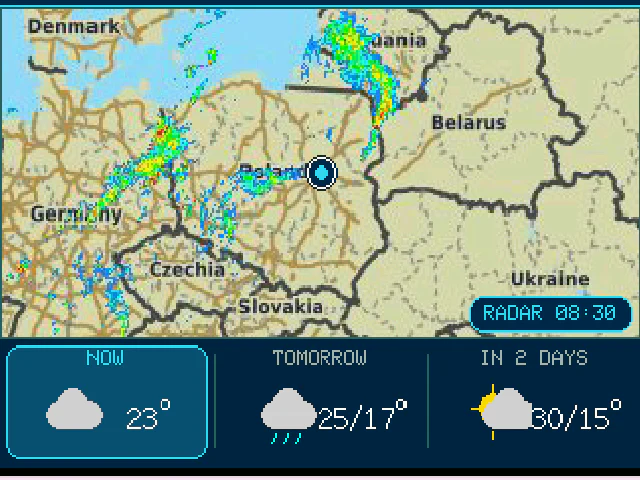
Real interface captures — radar frames from the time of testing
Key features
Everything you need to stay ahead of the weather
Rain map
An always-visible, easy-to-read precipitation layer for your area.
Forecast for today, tomorrow and the day after
Three forecast cards in one view, no scrolling needed.
Any location you choose
Set it to where you live, work, or keep a holiday home.
Automatic refresh
The device checks for new data on its own, on a schedule you set.
Keeps the last view during outages
If the internet drops for a moment, the screen keeps showing the last saved view instead of going blank.
Set up from your phone or computer
Configure Wi-Fi, location and appearance from a browser panel — no app to install.
More features
Software updates
The device downloads and installs software updates on its own.
Polish and English interface
Switch the entire device interface between Polish and English.
Day and night mode
A bright view by day and a dimmed one at night, easier on the eyes.
The physical product
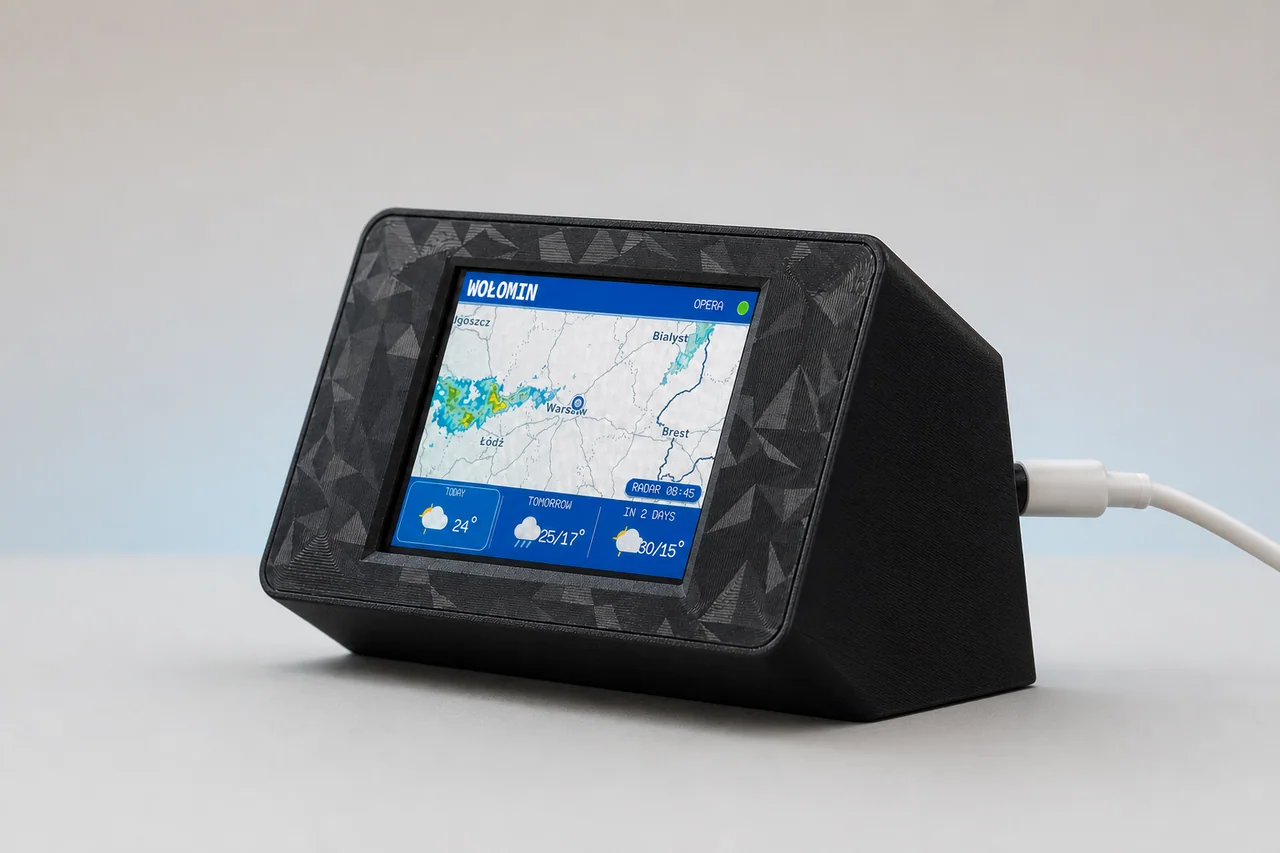
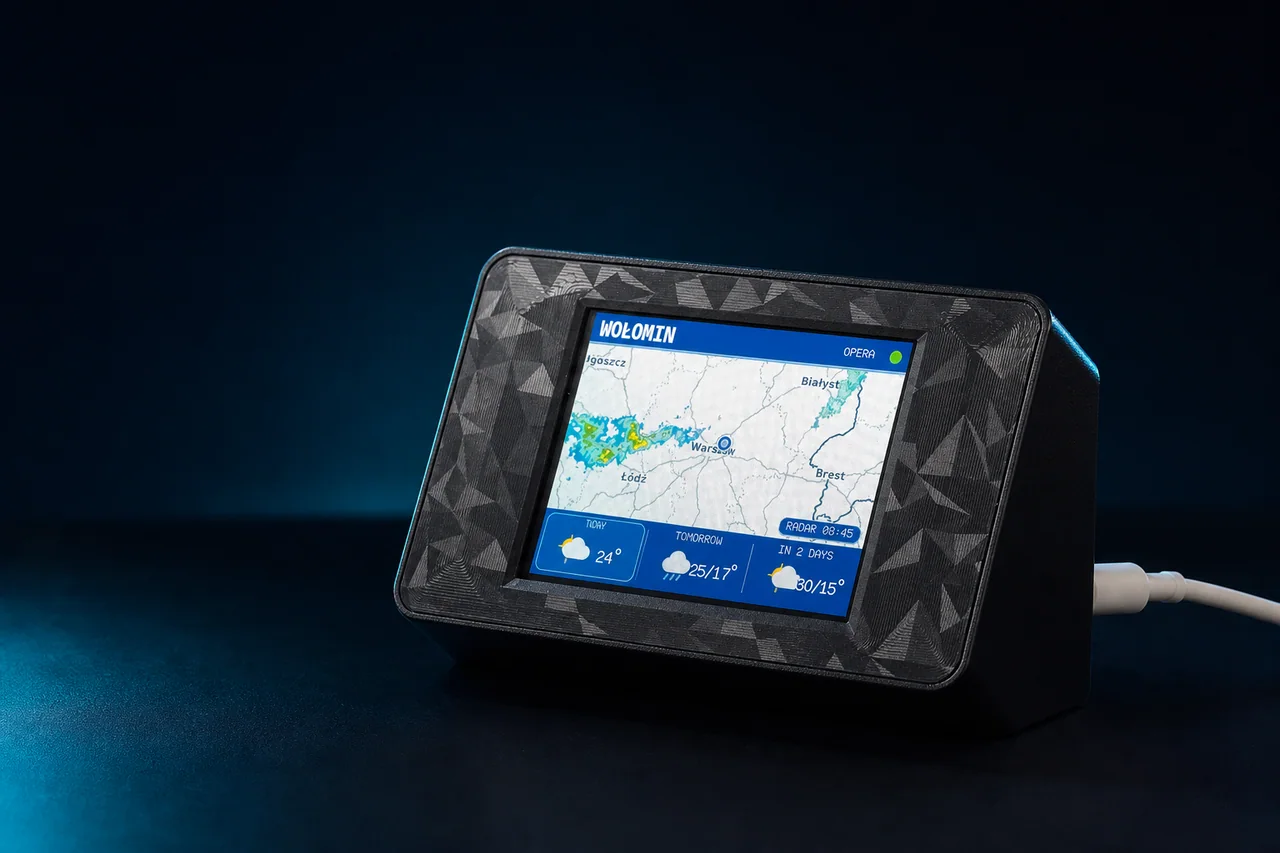
Built to sit on a desk
RainScreen is a small, self-contained device with a touchscreen — no cables beyond power.
- Screen
- 2.8 inch, 320×240 px
- Connectivity
- Wi-Fi
- Controls
- Touchscreen
- Form factor
- Compact, desktop
- Power
- USB
The photos show a working prototype. Minor enclosure details may still change before launch.
Getting started
Three simple steps
Plug in the device
Connect RainScreen to power with a USB cable and wait for the screen to start.
Connect to Wi-Fi and choose a location
Point it at your home Wi-Fi and pick the location you want weather for — from the device itself, or from your phone or computer.
Glance at the current radar and forecast
From then on RainScreen keeps the view up to date on its own — no extra steps needed.
Frequently asked
Before you ask
Your data stays yours
What the purchase includes
Do I need a phone?
Not day to day. A phone or computer is only useful for the first Wi-Fi and location setup — after that the device runs on its own.
Does the device work without Wi-Fi?
It needs internet to fetch new data. Without a connection it keeps showing the last saved view but stops downloading new radar data.
Can I change the city?
Yes. You can change the location at any time, directly from the device screen or from the configuration panel.
How often does the view update?
The device checks for new data at regular, configurable intervals — as often as the weather data sources allow.
Is there an English version?
Yes. Both the device interface and this website are available in Polish and English.
What does the two-year service include?
Delivering and processing radar and weather data for your device for 24 months from activation. Renewal terms will be announced later.
Is the radar already available commercially?
Not yet — final licensing and technical arrangements with data sources are still being finalized. We'll confirm the final data source and service terms before sales begin.
Launch
Be first to know when RainScreen goes on sale
Leave your email and we'll write as soon as sales open. No spam, no obligation.
Status: in development
Something went wrong. Please try again in a moment.
You're on the list
We'll write as soon as RainScreen is available for purchase.